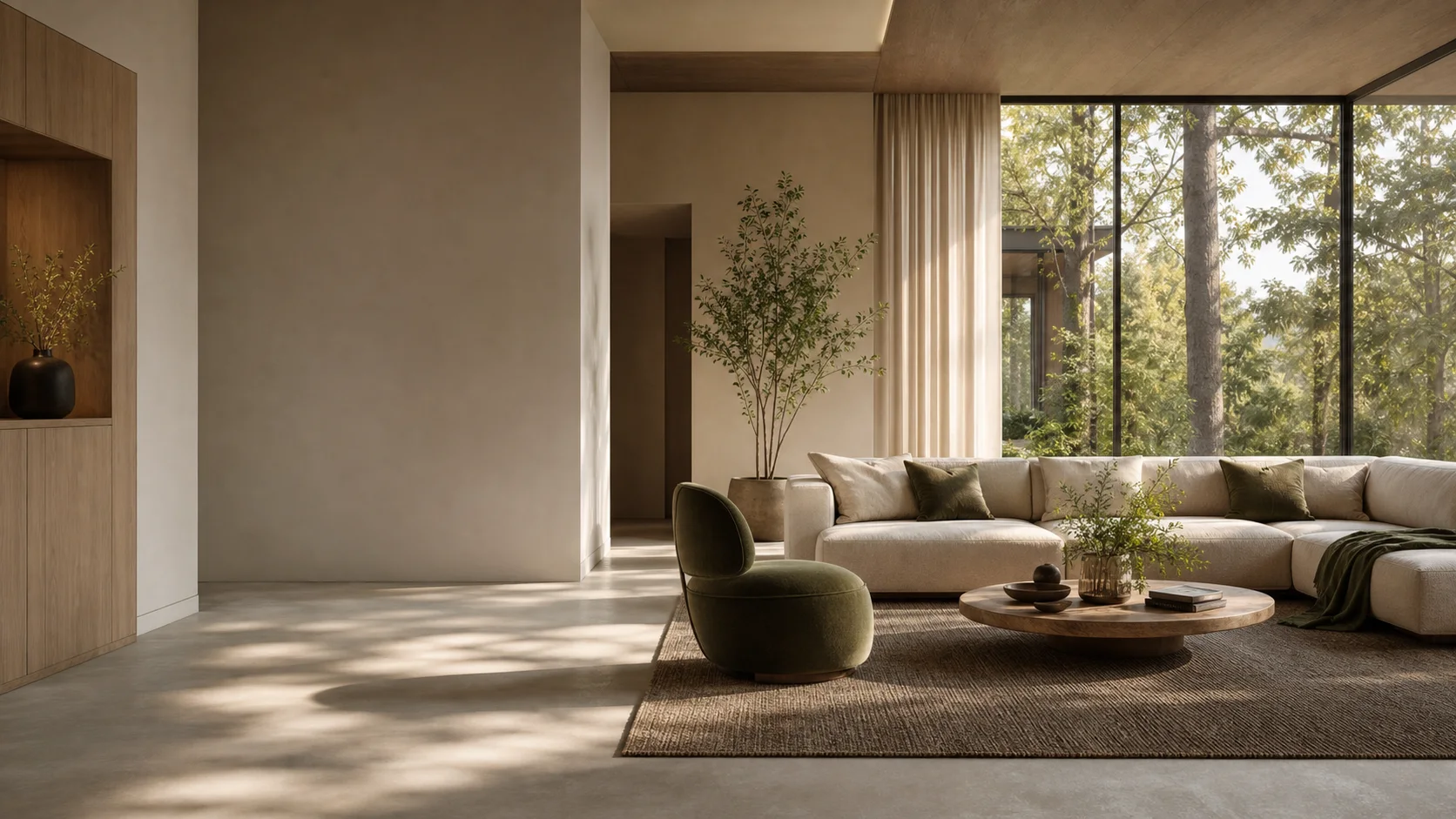
AI architectural rendering. Native to Mac.
Great design.
Room to evolve.
From the first sketch to the next client revision. Render, edit, and compare every direction in one Velatura project.
Requires macOS 15.0+ on Apple silicon
7 days · 10 managed-render credits · No card required · Starts after email verification in the app
Built by an interior architect
The next “what if”
belongs in the same project.
A warmer finish. Softer light. One more direction. Keep the version that works, explore the next, and compare before you commit.
Your design. A connected workflow.
Real captures from the Mac app01 / Render
Give your idea its first atmosphere.
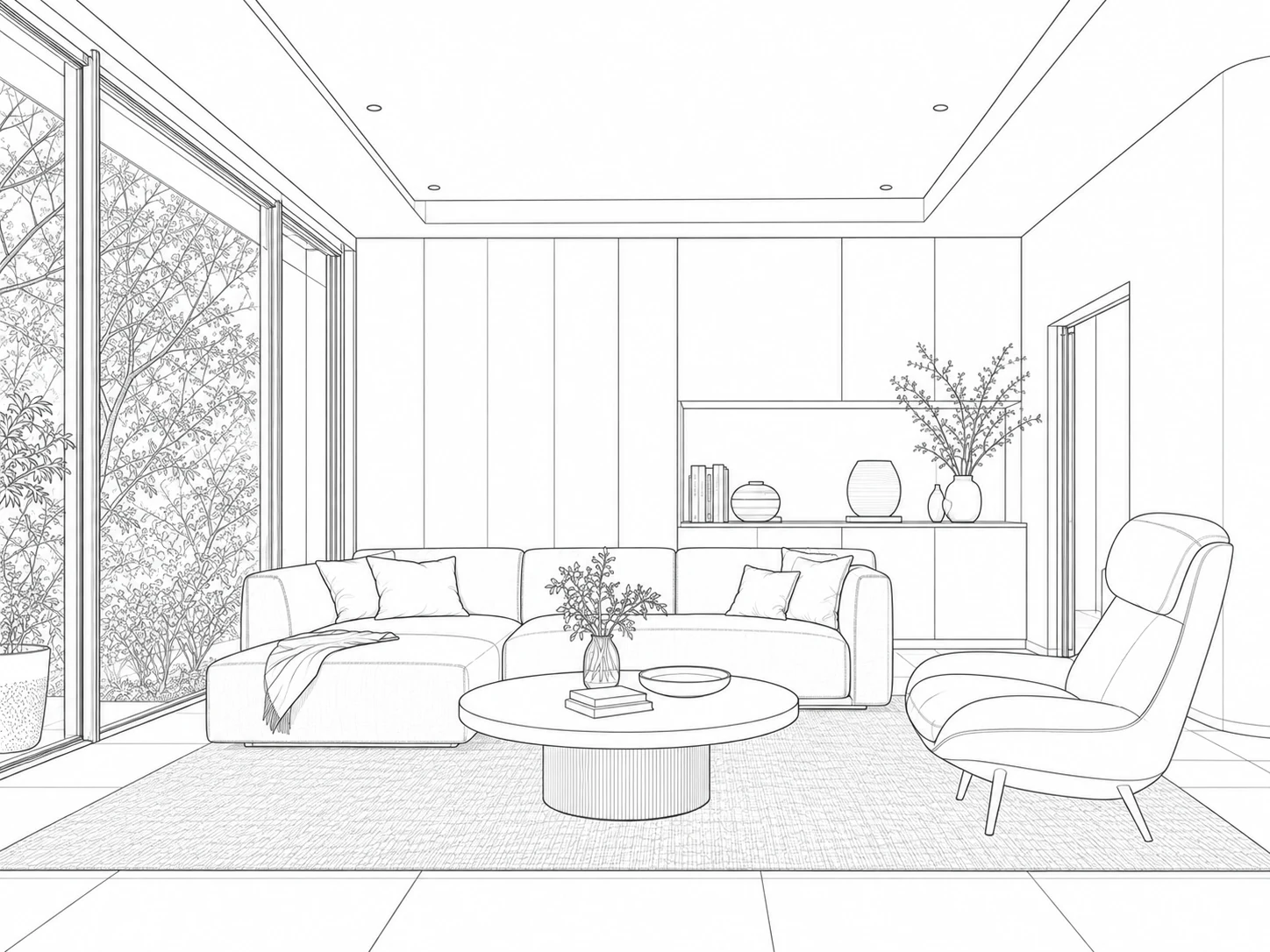
Import a sketch or exported view. Explore materials, lighting, and visual directions while your source stays connected to the project.
Explore sketch to render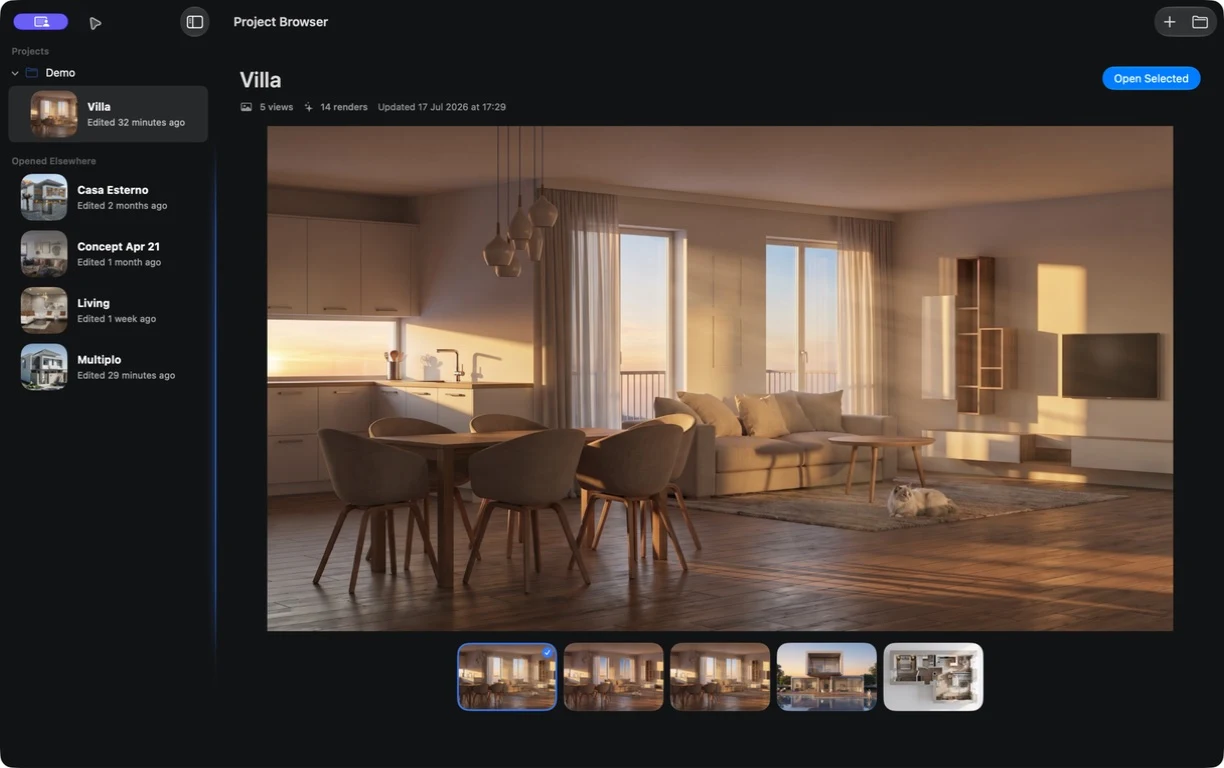
02 / Edit
Change the detail. Keep the direction.
Select an area, describe the revision, and create a new version. Keep the original available and compare before the next decision.
Explore selected-region editing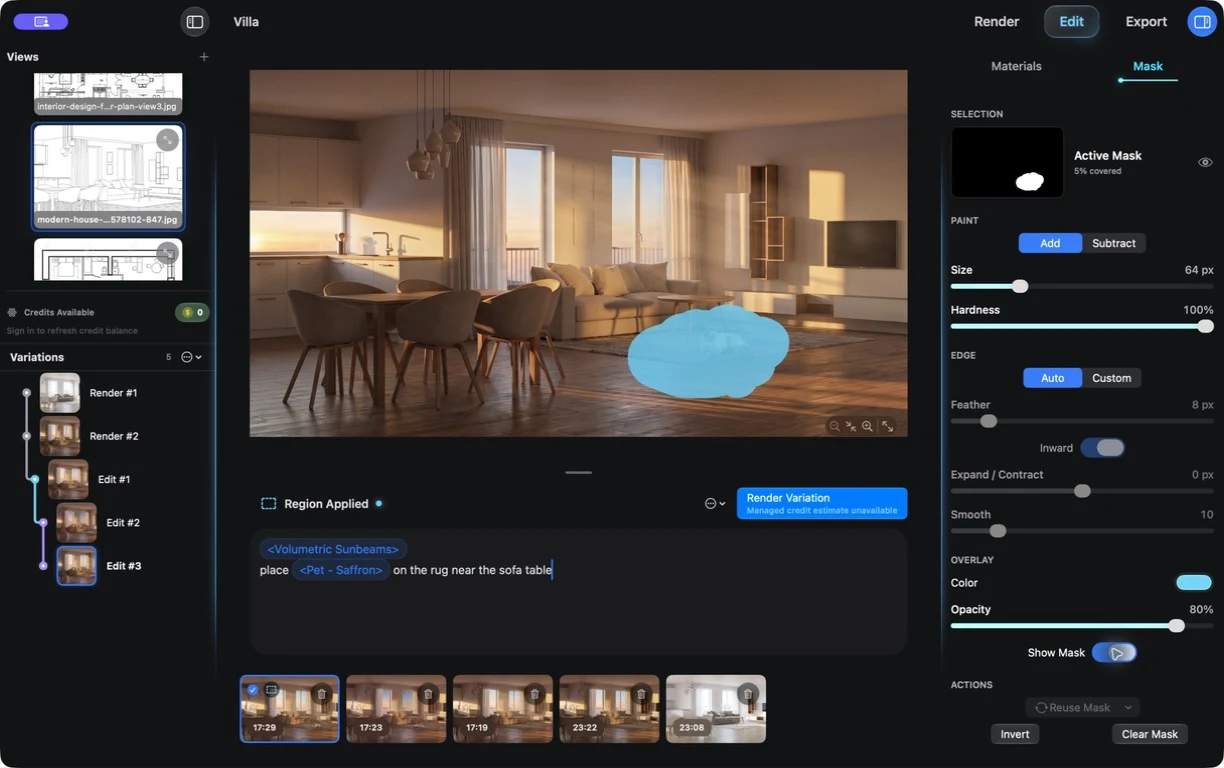
03 / Export
Put your chosen version in the spotlight.
Review the selected result in a focused export view. Keep the project and its alternatives ready for the next round of feedback.
See the complete workflow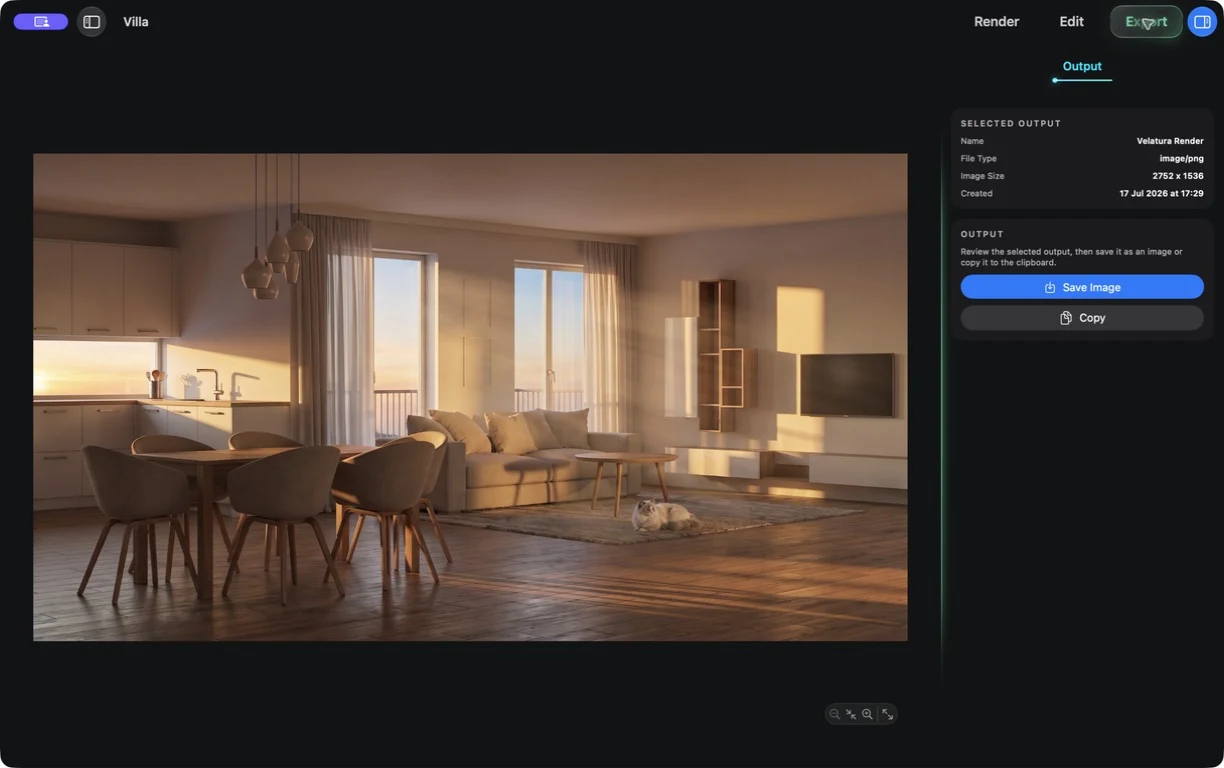
Start with what you have
A sketch. A view.
A whole new perspective.
Bring a clear architectural sketch or a SketchUp image export. Explore a presentation direction while keeping your source.
See the SketchUp workflow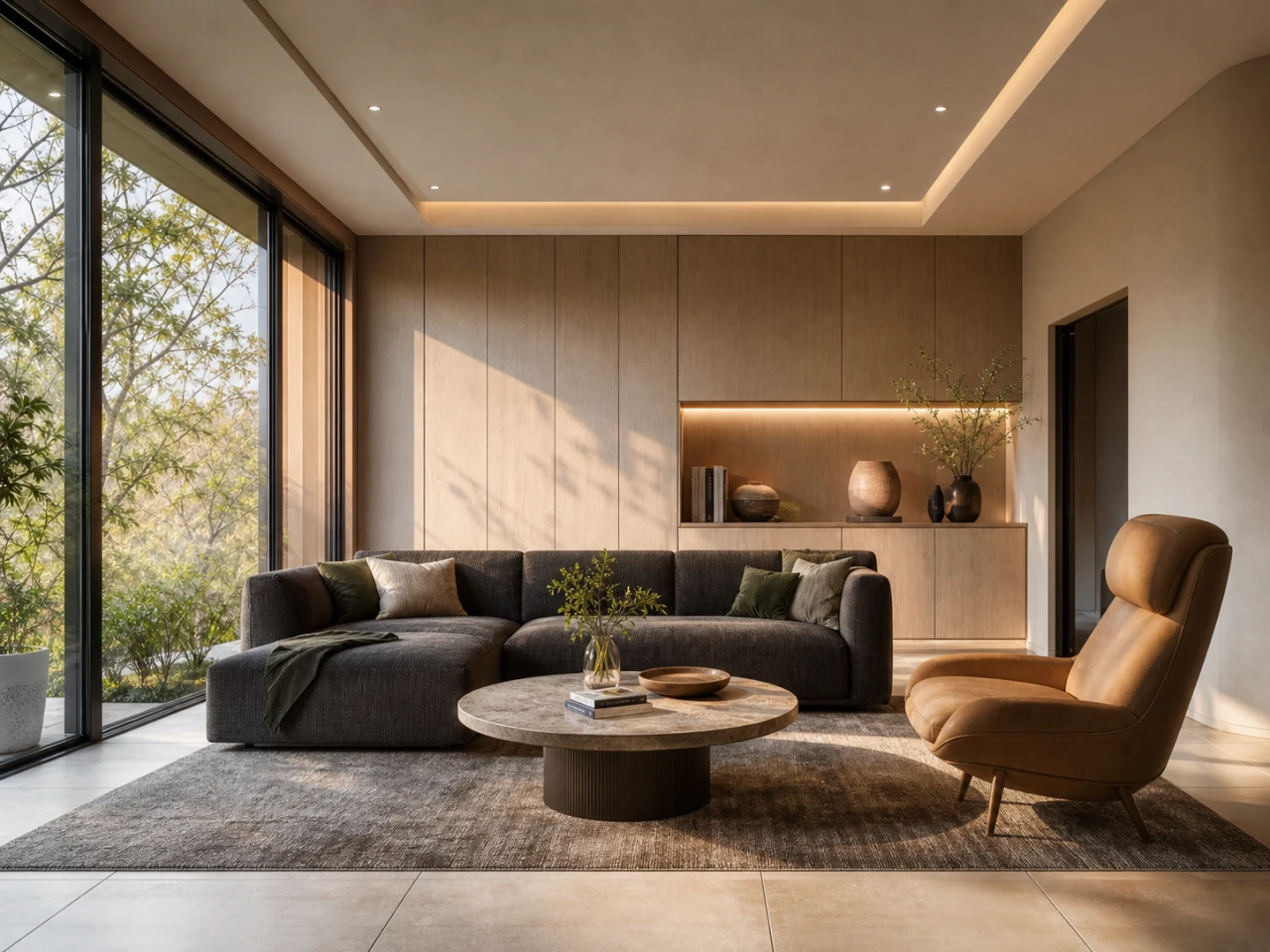
See it in action
Feedback arrives.
Keep moving.
One review note. One selected area. A new version beside the original. See how a revision stays connected to its project.
Follow the complete workflowA 30-second revision
One review note. One new branch. Keep the parent available for comparison.- 01KeepApproved direction
- 02ReceiveOne client request
- 03SelectAn area for the next revision
- 04CompareNew branch with parent
Four built-in starting points
Follow the brief.
Explore the possibilities.
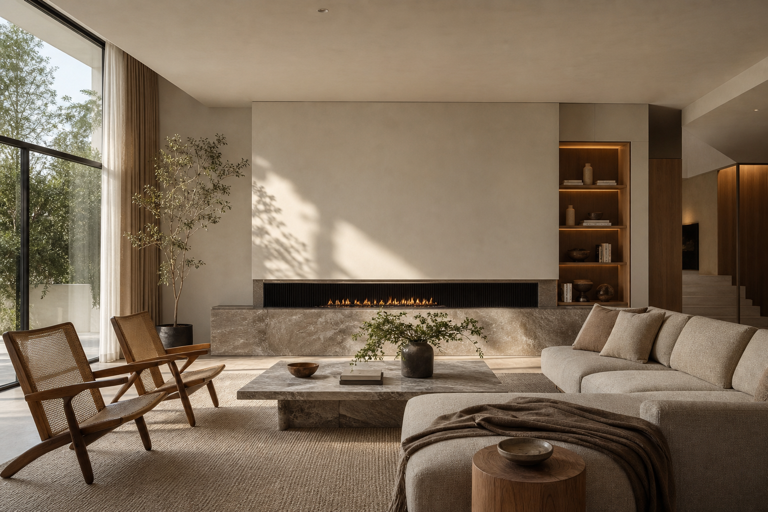
Interiors
Material, light, atmosphere.
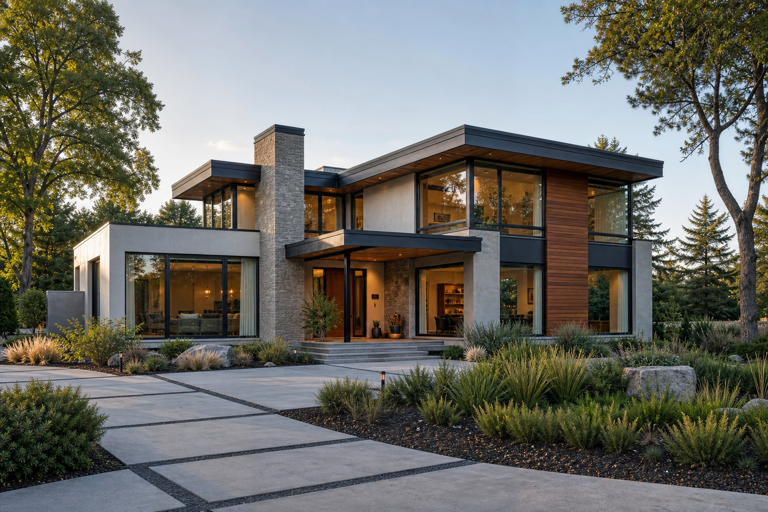
Exteriors
Architecture in its setting.
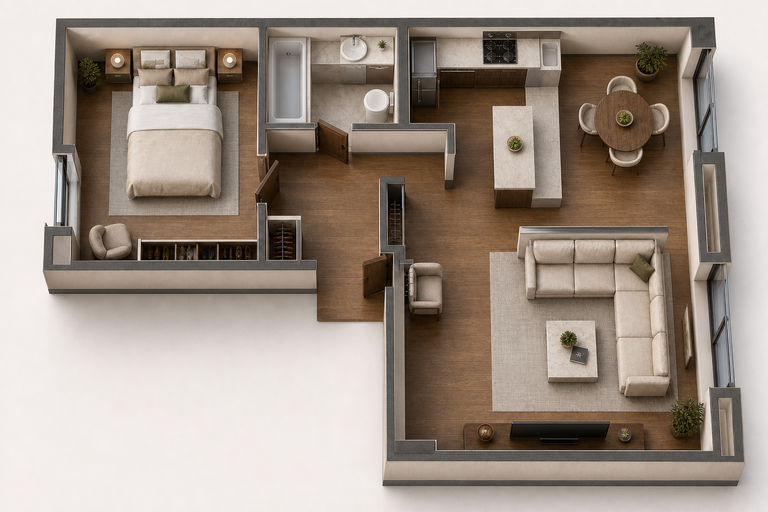
Spatial concepts
A new view of the plan.
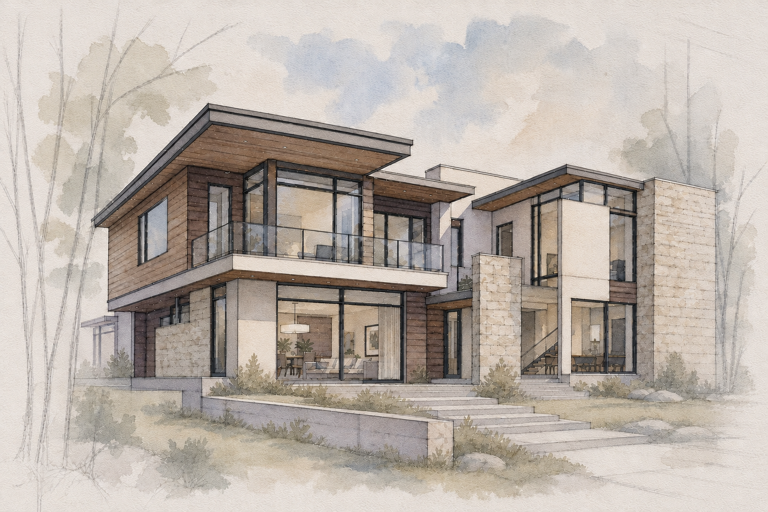
Illustrations
Leave room for imagination.
Examples from included workflows. Review generated output. Floorplan visualizations are not measured models.
A workspace worth keeping
Your project lives
on your Mac.
Sources, versions, and selected outputs stay together in the location you choose. Managed rendering temporarily processes the inputs needed for each result.
Know where your work goesWhat is Velatura?
Velatura is a native Mac app for AI architectural rendering and interior design visualization. Start from an exported view or sketch, create render options, revise selected areas, and keep versions together in a local project.
Can I use Velatura with SketchUp?
Yes. Export a clear view from SketchUp and import the image into Velatura. This is an exported-image workflow, not a live SketchUp plugin or a BIM connection.
Can I change one area without losing the original?
Yes. Select a region and save the generated revision as a new version. The original remains available for comparison. AI-generated content in and around the selected area can vary, so review the full result.
Does Velatura work on my Mac?
Velatura requires macOS 15.0 or later and an Apple silicon Mac. Intel Macs and Windows are not supported. AI rendering uses an online rendering service.
Where are my projects stored?
Your project is stored locally on your Mac in the location you choose. Managed rendering temporarily processes the selected inputs needed to generate the result. Rendering is not fully offline.
How do rendering plans work?
Starter includes the app and uses your OpenRouter account, which bills rendering separately. Plus, Pro, and Ultra include Velatura-managed rendering credits. Compare current prices and credit allowances on the pricing page.
Your next direction starts here
Make room for
your best work.
Bring one source view. Build the next possibility.
Start free for 7 daysRequires macOS 15.0+ on Apple silicon
7 days · 10 managed-render credits · No card required · Starts after email verification in the app
Working on a live client project? Explore Founding 10