AI exterior rendering from an exported architectural view.
Use AI exterior rendering to explore atmosphere, landscape, and presentation choices from an exported view, then compare the strongest directions.
Download for macOSView pricing7 days · 10 managed-render credits · No card required · Starts after email verification in the appRequires macOS 15.0+ on Apple silicon
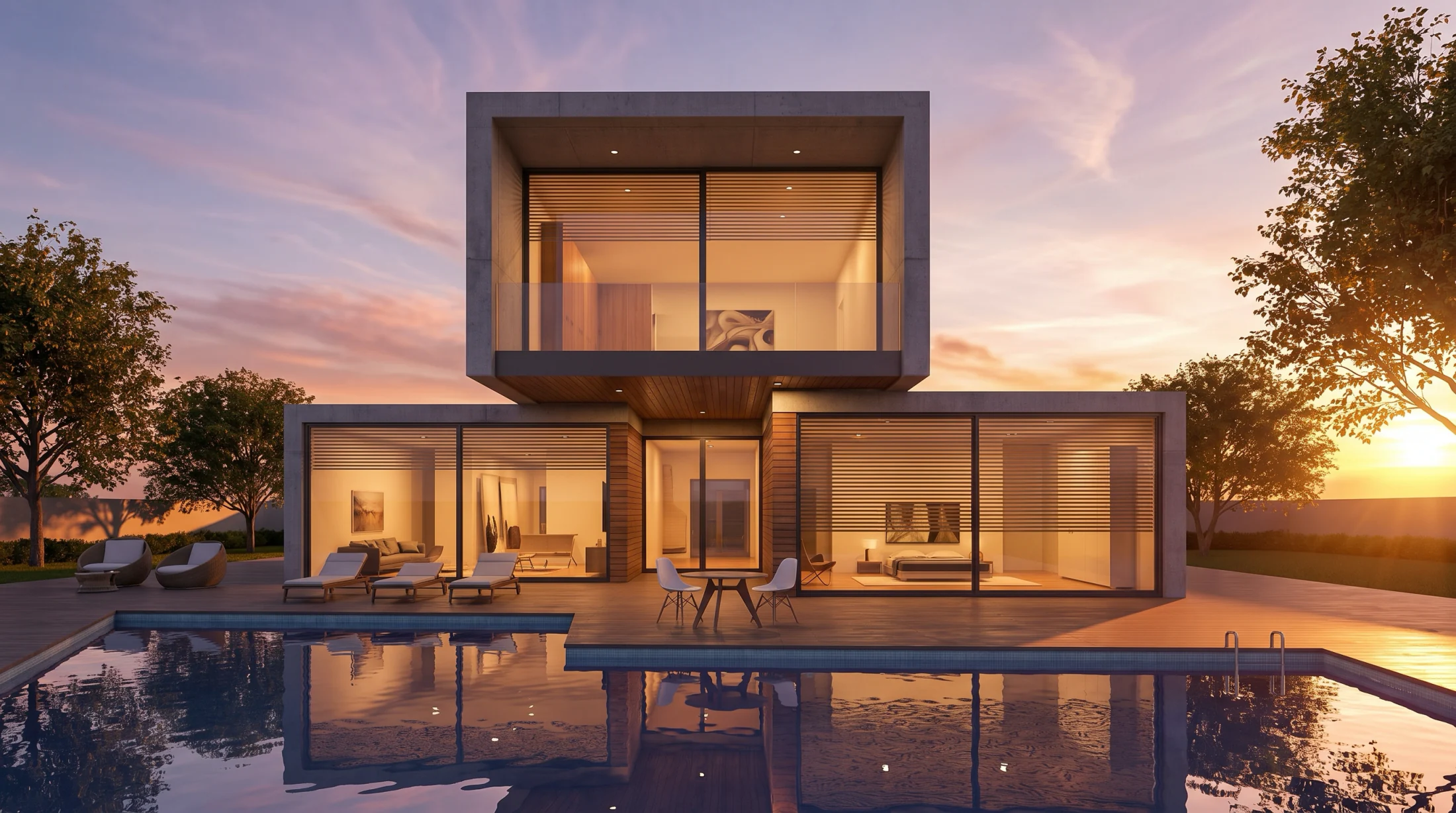
Give the exterior a direction people can evaluate.
Start from the view that explains the proposal, then explore how setting and atmosphere support the way you want it to be understood.
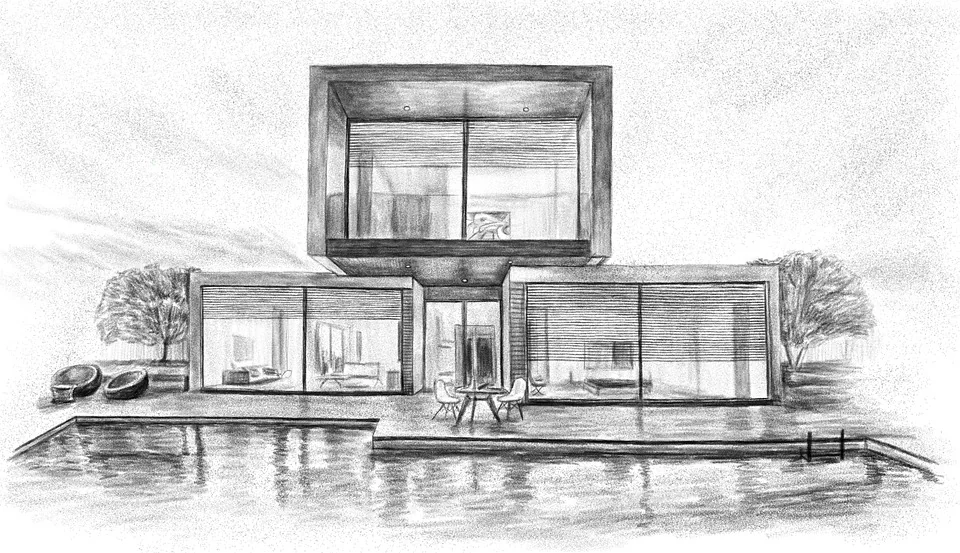
Build a presentation around the proposal.
01
Choose the telling angle
Begin with the view that makes the proposal easiest to understand.
02
Set the surrounding story
Explore a setting, light, and atmosphere that support the intended presentation.
03
Carry one direction forward
Select the option that best serves the next client or team conversation.
Make exterior options easier to compare, discuss, and revisit.
What to expect from generated results
Setting, vegetation, reflections, light, and small details can vary between results. Review every option before presentation or project use.