Start the next project from a direction you trust.
Save a useful combination of rendering choices as a workflow, then adapt it when a new source calls for a similar mood.
Download for macOSView pricing7 days · 10 managed-render credits · No card required · Starts after email verification in the appRequires macOS 15.0+ on Apple silicon
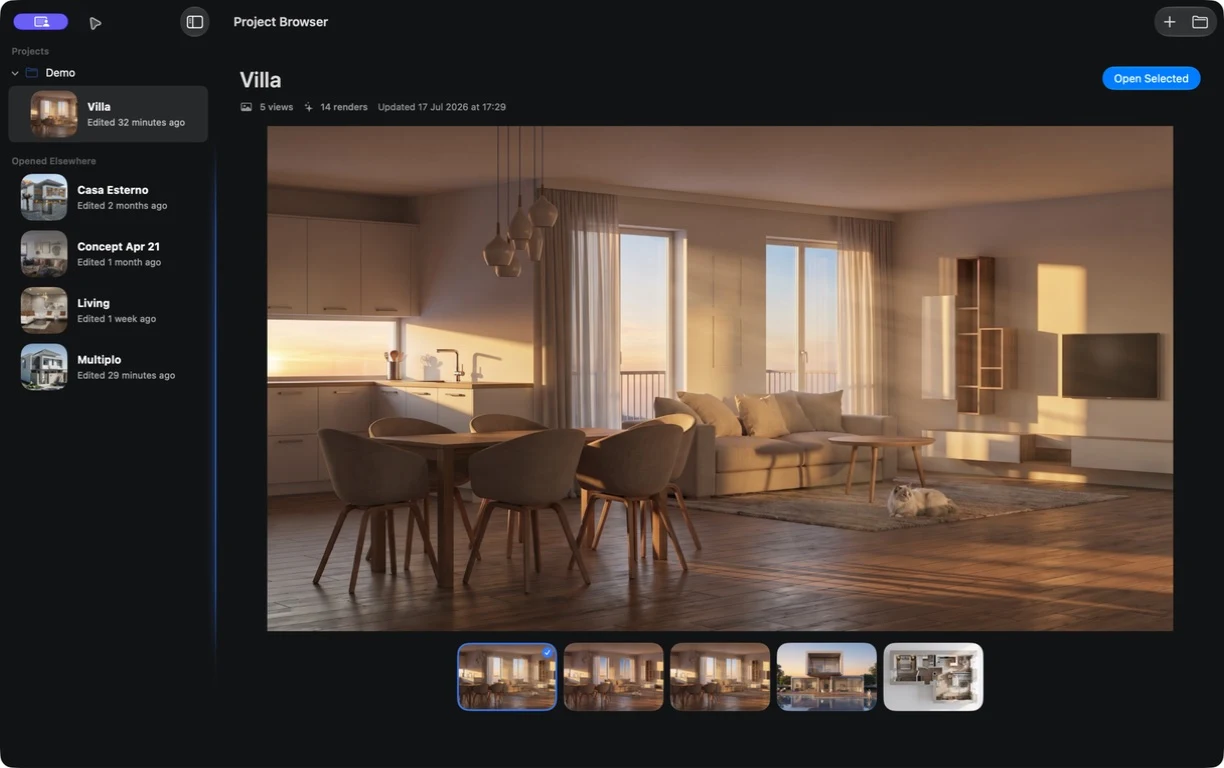
Keep the direction that worked. Adapt it to what changed.
A saved workflow gives the next project a considered starting point while leaving room for its source, brief, and presentation needs.


Reuse the thinking, not a promise of the same result.
01
Capture what worked
Save the combination of choices that created a useful presentation direction.
02
Begin from that setup
Apply it when another source calls for a related visual mood.
03
Adapt it to the new brief
Review the result and change the direction where this project asks for something different.
Spend the next round refining the direction, not reconstructing how you reached it.
What to expect from generated results
Workflows are starting points. Results can change with each source and rendering service, so review every new option on its own merits.