AI interior rendering for design options you can compare.
Use AI interior rendering to explore materials, light, and atmosphere from an exported room view, then compare the directions worth presenting.
Download for macOSView pricing7 days · 10 managed-render credits · No card required · Starts after email verification in the appRequires macOS 15.0+ on Apple silicon
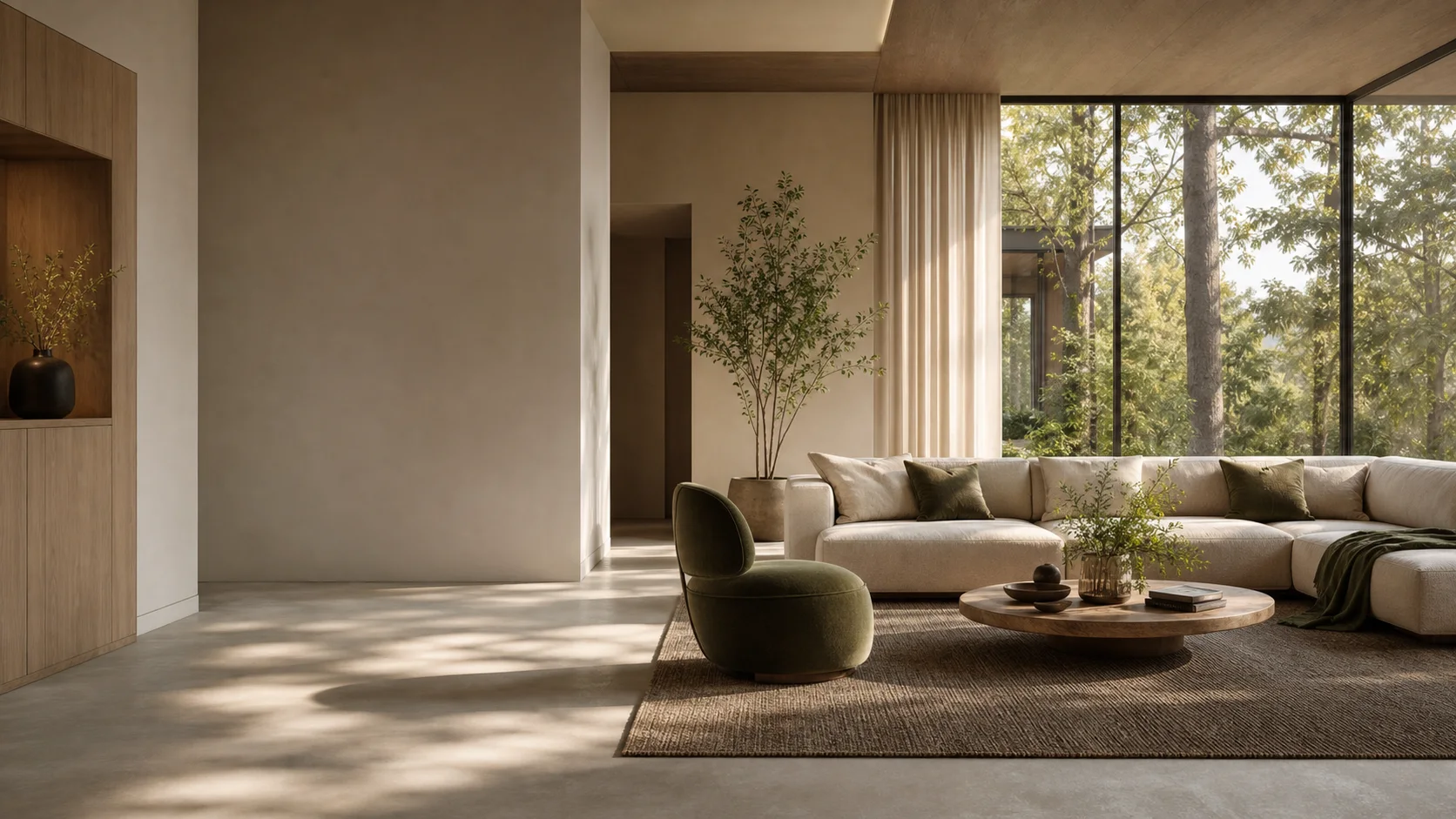
One room. A clearer visual direction.
Keep the source close while you explore what the room should communicate, then carry the strongest option into the next review.
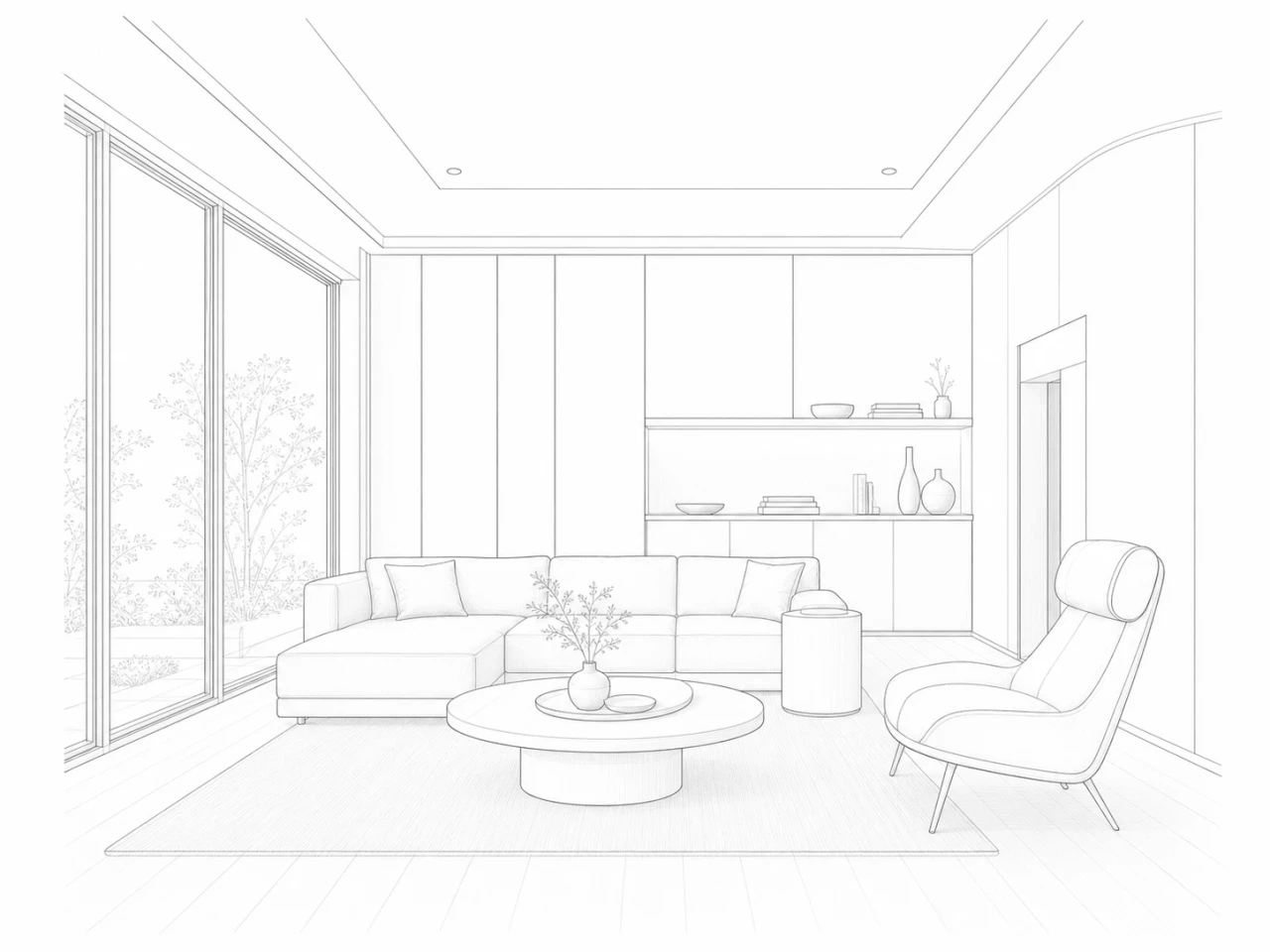
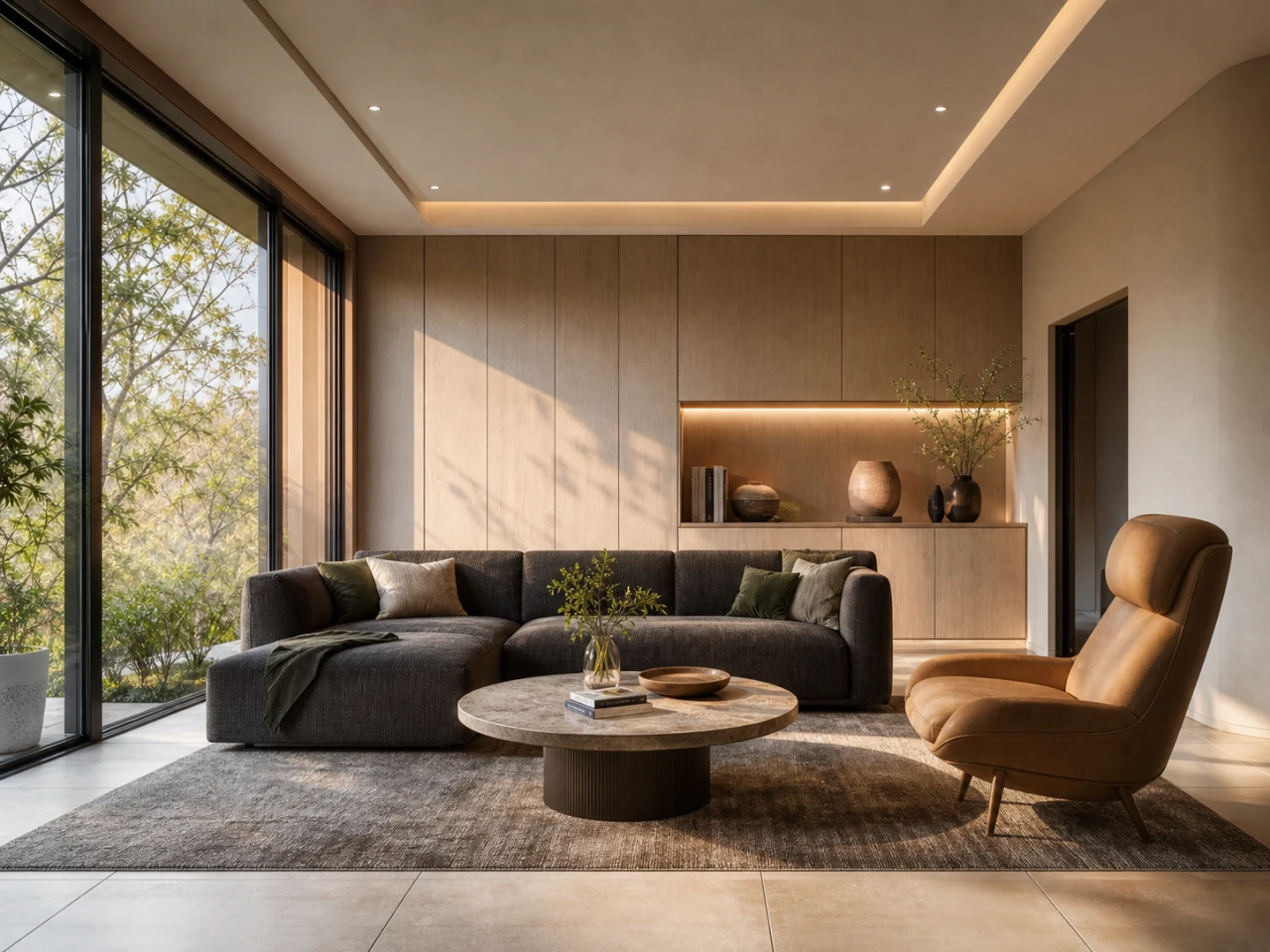
Narrow the room's story with each round.
01
Start with the room
Bring the exported view that best frames the interior decision at hand.
02
Explore one clear direction
Use material, lighting, and mood references to focus the next option.
03
Shortlist what belongs
Keep the versions that support the presentation and leave the rest behind.
Use each round to narrow the room's story, not simply make more images.
What to expect from generated results
Materials, objects, colors, and products can be interpreted differently in each result. Treat the image as a presentation option, not a specification.