AI inpainting for focused architectural render edits.
Use selected-region AI inpainting to focus an architectural render revision on one area, then compare the new option without replacing its parent.
Download for macOSView pricing7 days · 10 managed-render credits · No card required · Starts after email verification in the appRequires macOS 15.0+ on Apple silicon
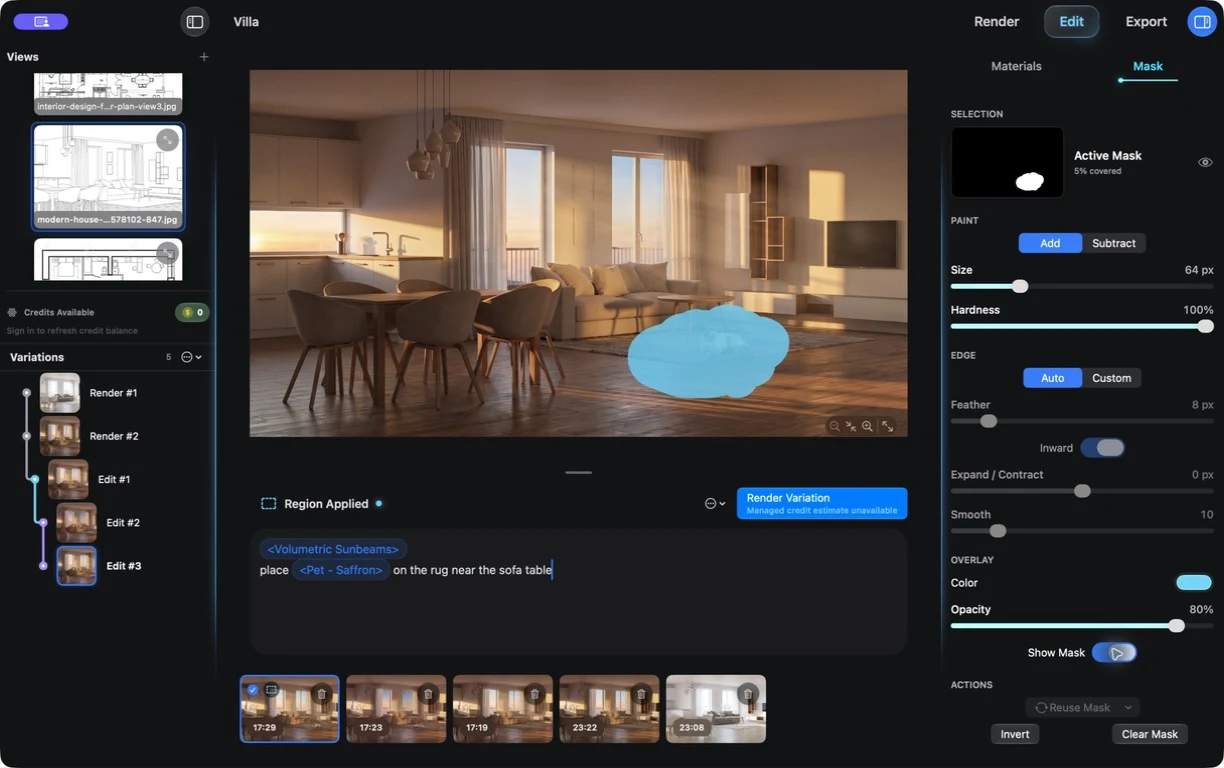
The chosen version stays part of the decision.
The live branch shown in Edit mode keeps the original and each follow-on option in view while you focus the next change.
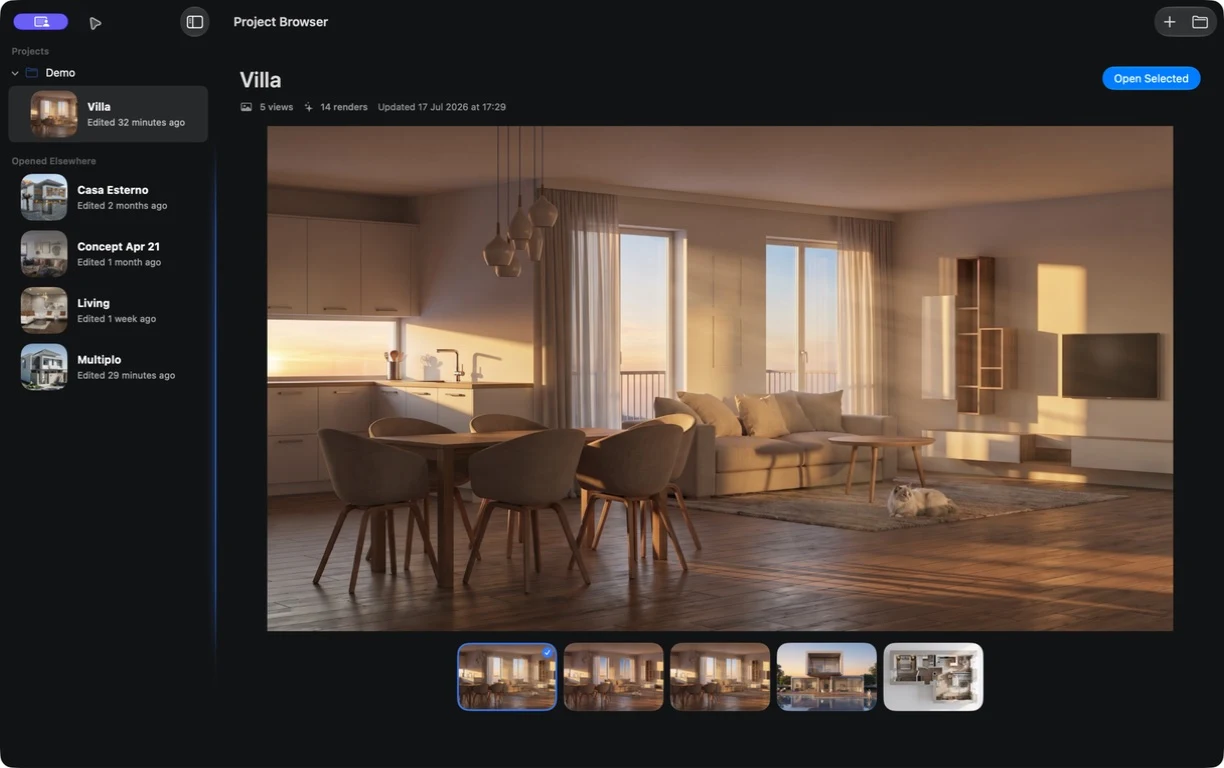
Turn focused feedback into a separate option.
01
Choose the parent
Start from the version you want to keep available throughout the next review.
02
Mark the area to revisit
Show Velatura where the next revision should focus and describe the intended change.
03
Compare the new option
Review the child beside its parent, then decide which direction deserves another round.
Feedback becomes another option, not the end of the version that already works.
What to expect from generated results
A selected area guides the request, but generated content in and around that area can vary. Review the full revision before using it.