Bring the finish reference into the conversation.
Keep woods, stone, fabrics, colors, and visual samples with the project, then use them to explore a material direction across revisions.
Download for macOSView pricing7 days · 10 managed-render credits · No card required · Starts after email verification in the appRequires macOS 15.0+ on Apple silicon
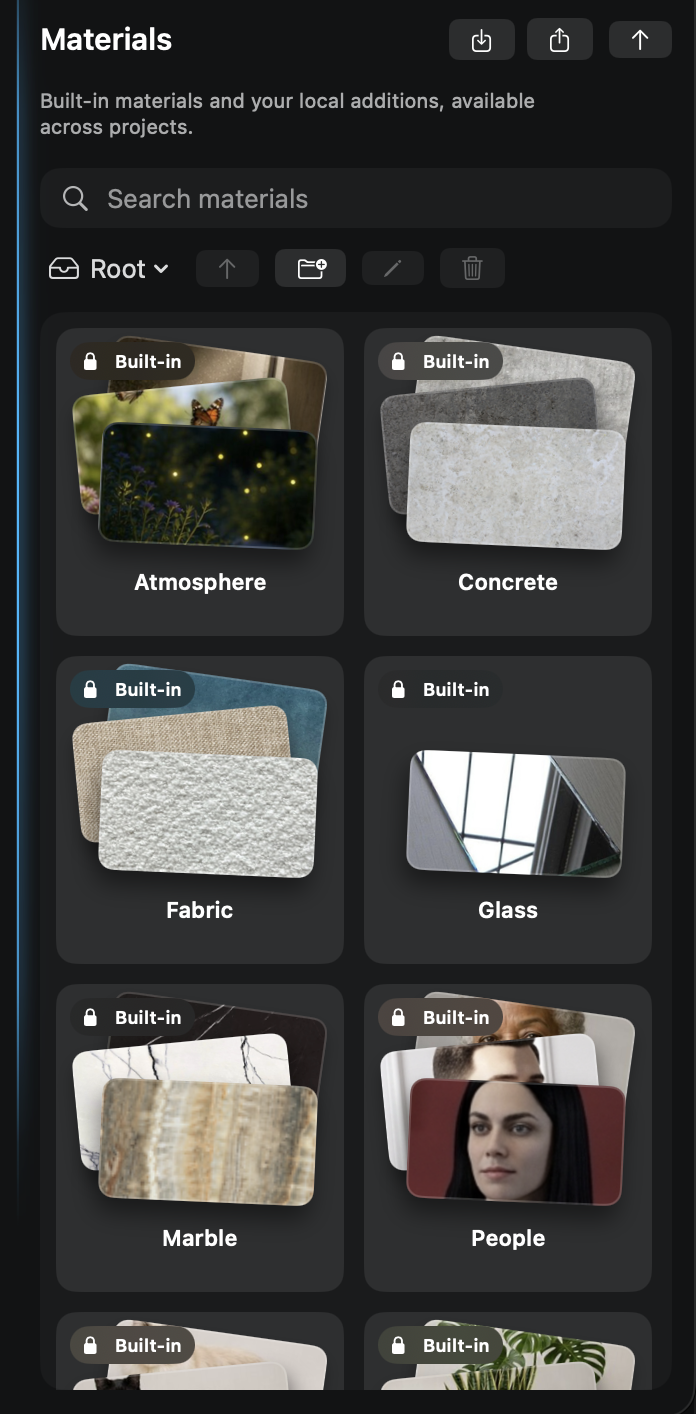
Add a material reference with a simple drag and drop.
Drag a saved material into the instruction, then describe where it belongs. The reference stays visible, explicit, and ready for the next render.

Turn scattered samples into a reusable project palette.
01
Collect the references
Keep the finishes and visual samples that belong to this project in one place.
02
Bring them into the next round
Use those references when you explore another version of the room.
03
Judge the interpretation
Compare the option with the chosen references before carrying it forward.
A useful material direction stays available for the next round.
What to expect from generated results
A reference guides the look; it is not a sample match or product specification. Color, scale, and texture can vary in generated results.