Choose the mood before you ask for another render.
Set a natural or artificial lighting direction in Velatura, then judge how the atmosphere supports the presentation.
Download for macOSView pricing7 days · 10 managed-render credits · No card required · Starts after email verification in the appRequires macOS 15.0+ on Apple silicon
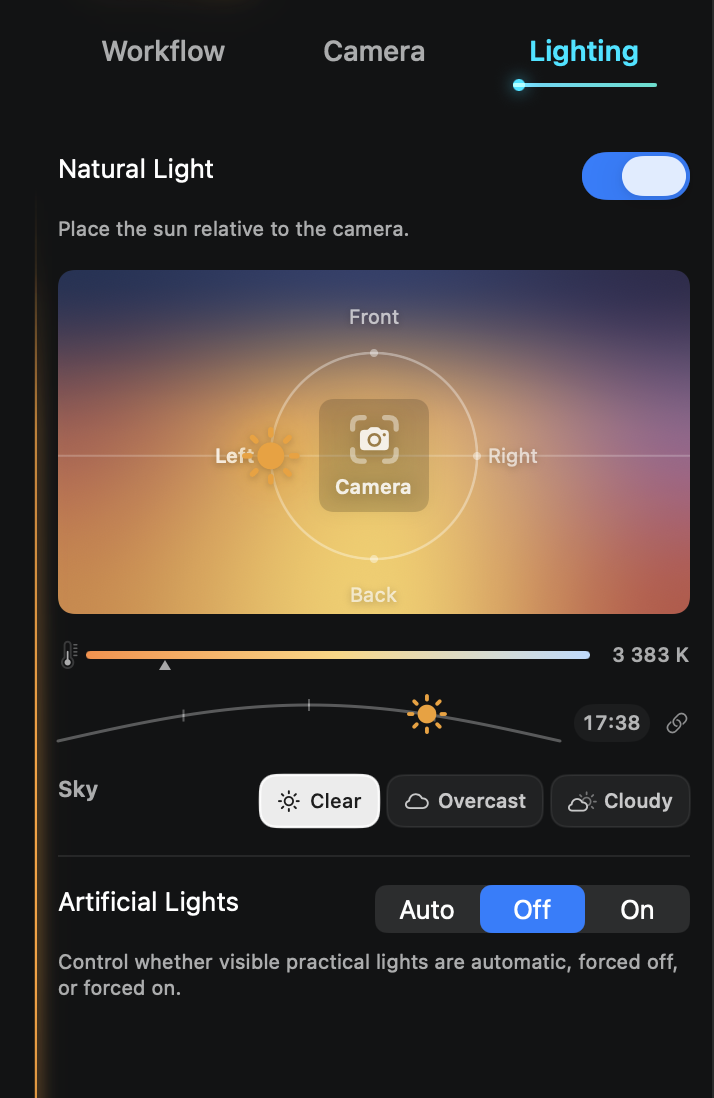
Direct the sun, sky, and visible lights before rendering.
Place the sun relative to the camera, choose a sky, set the time and color temperature, and decide how practical lights should behave.
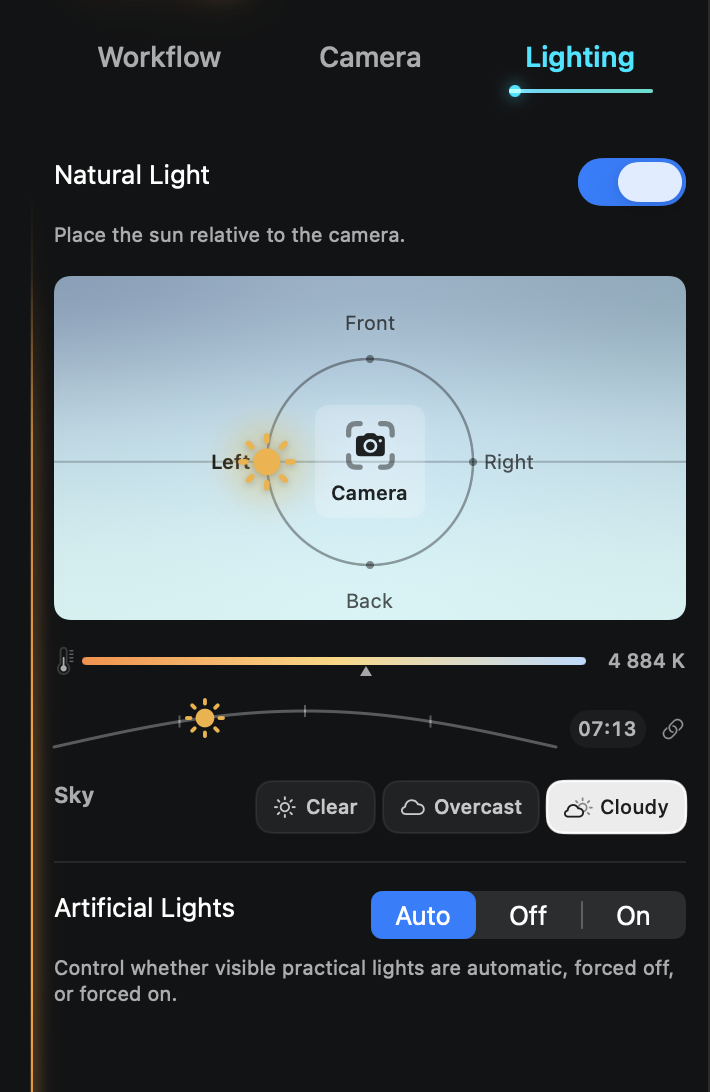
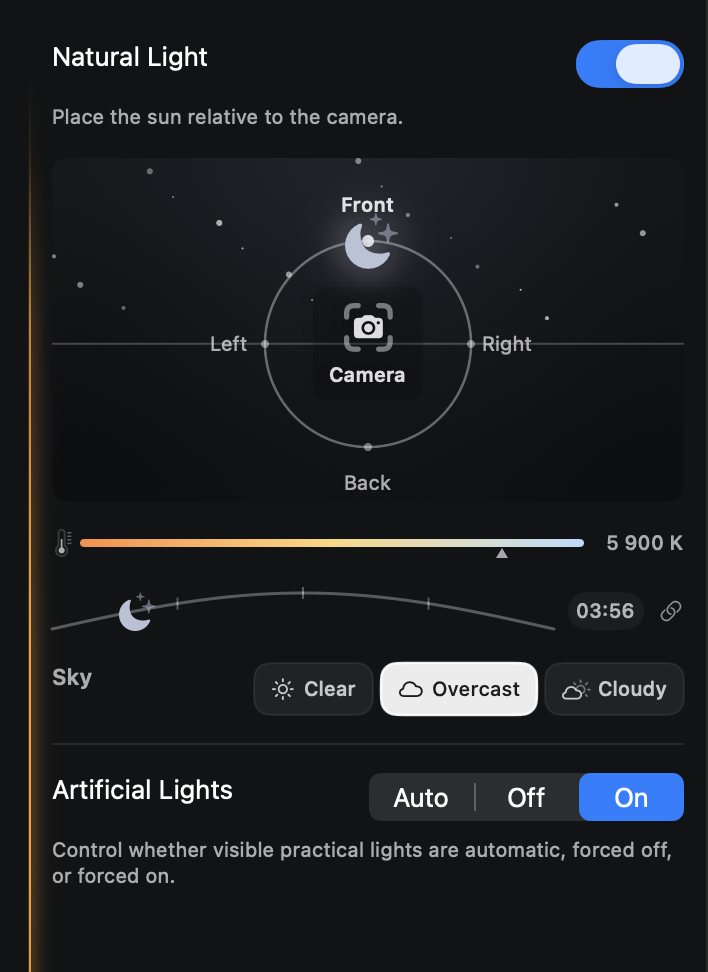
Make light a decision you can revisit.
01
Choose the time and mood
Decide how natural light should support the feeling of the scene.
02
Set the light relationship
Guide where the main light sits in relation to the camera and visible practical lights.
03
Compare the atmosphere
Judge the new option beside the direction you already preferred.
Treat light as a decision you can revisit, not a lucky reroll.
What to expect from generated results
The controls guide a generated presentation image; they are not daylight or photometric analysis. Results can vary between rendering services.