Lighting control
Direct the atmosphere before you generate another option.
Velatura provides guided natural and artificial lighting controls so a render request begins with an intentional direction.
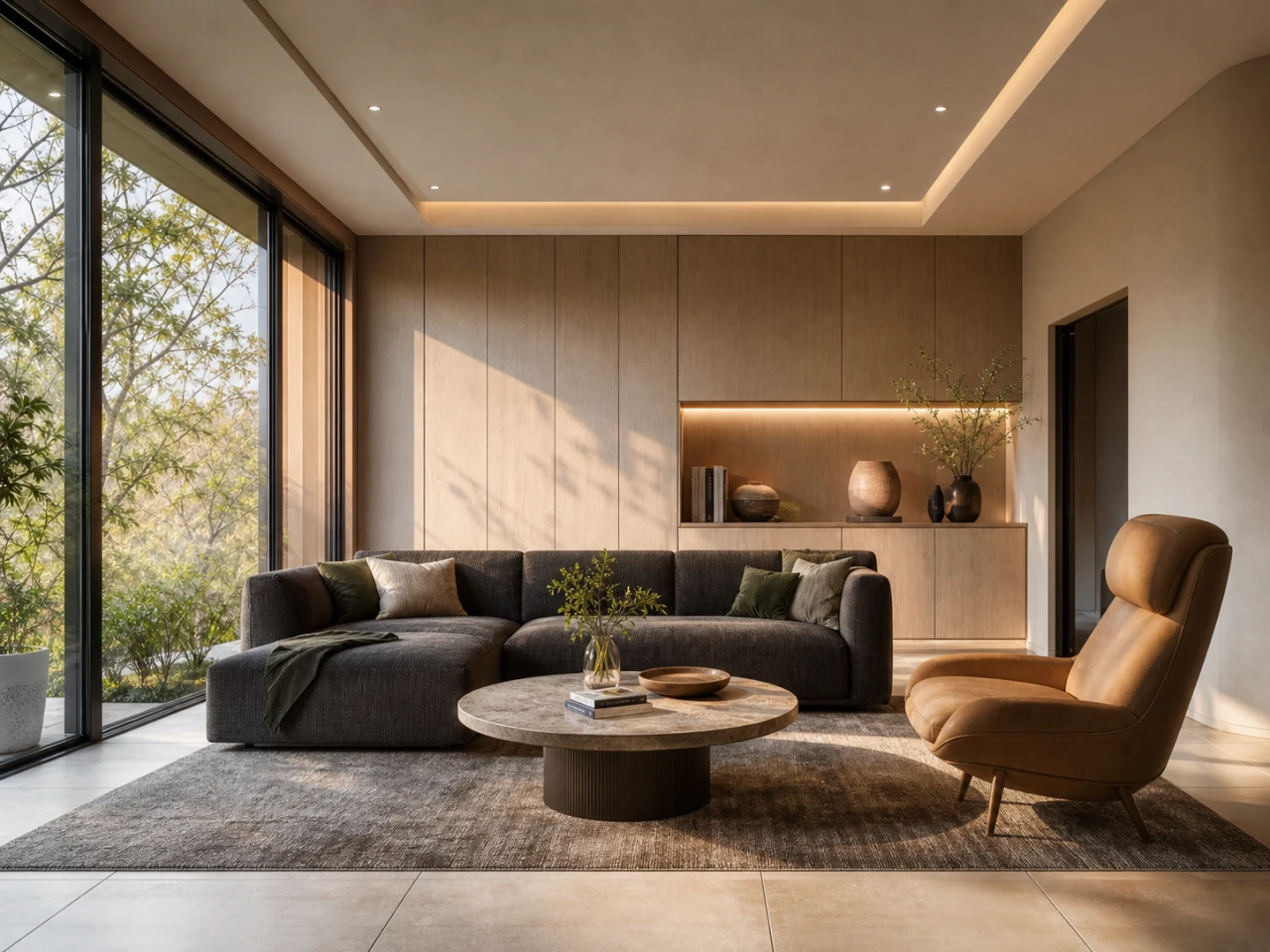
The working context
Make lighting an explicit choice in the render workflow.
Use the day arc, sun position, clouds, and artificial-light controls to set a presentation direction before you compare the next output.
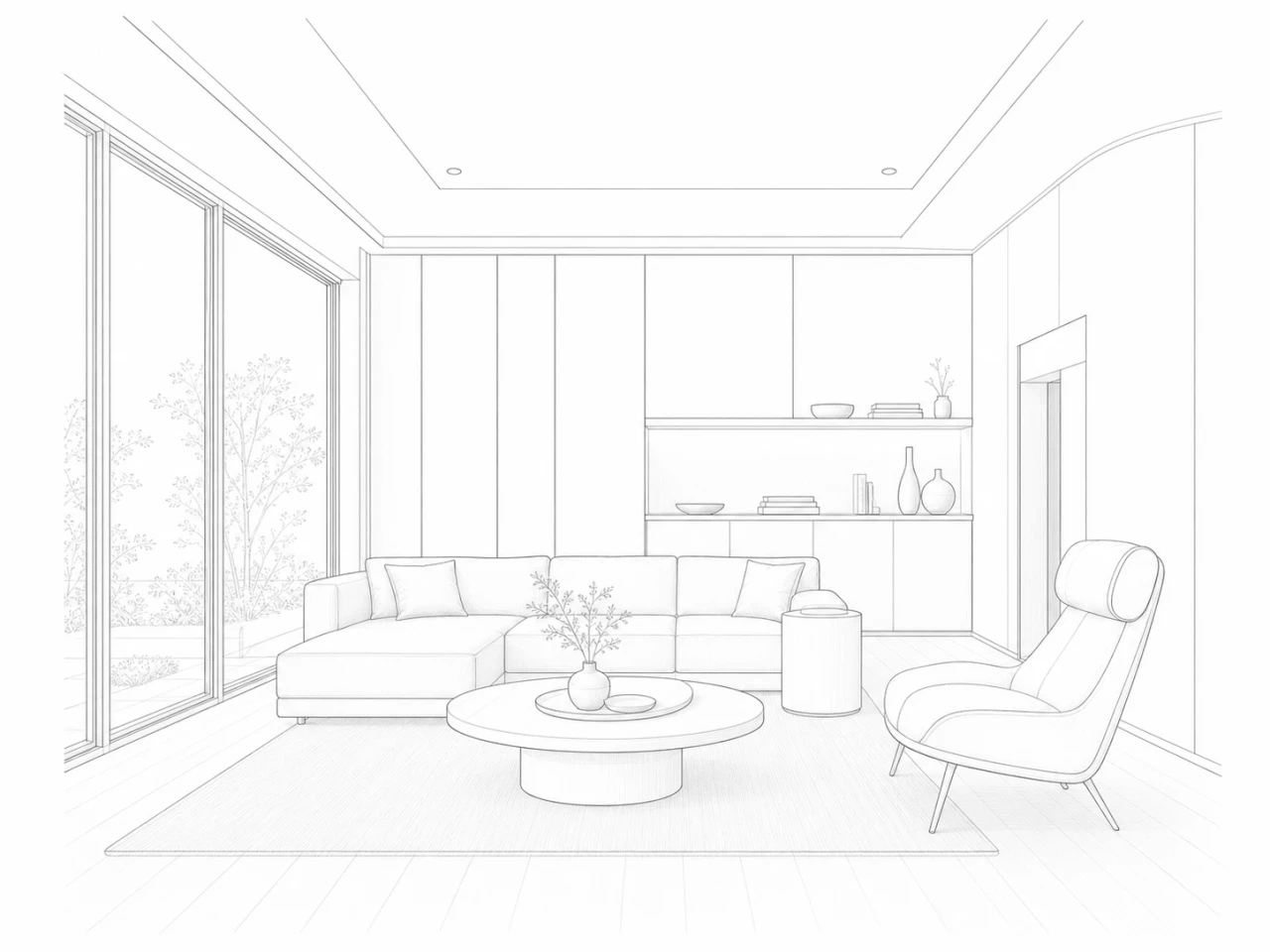
A deliberate loop
Make the next decision easier to review.
01
Choose a time direction
Use the full-day arc when a natural-light direction matters to the presentation.
02
Set the sun position
Use the four-position sun dial—Front, Back, Left, or Right—to guide the scene.
03
Refine with context
Adjust cloud and artificial-light controls as part of a repeatable render direction.
What Velatura is designed to do
The controls create an explicit direction; they do not guarantee physical simulation or identical generated lighting.
Important limitation
Final lighting still depends on the source, provider, model, and resolution. Treat examples as workflow evidence, not a universal result.
Native Mac app. Requires macOS 15.0+ on Apple silicon.