Reusable workflows
Turn an approved visual direction into a starting point for the next project.
Save a rendering direction as a Velatura workflow and reuse it where the source and job are suitable.
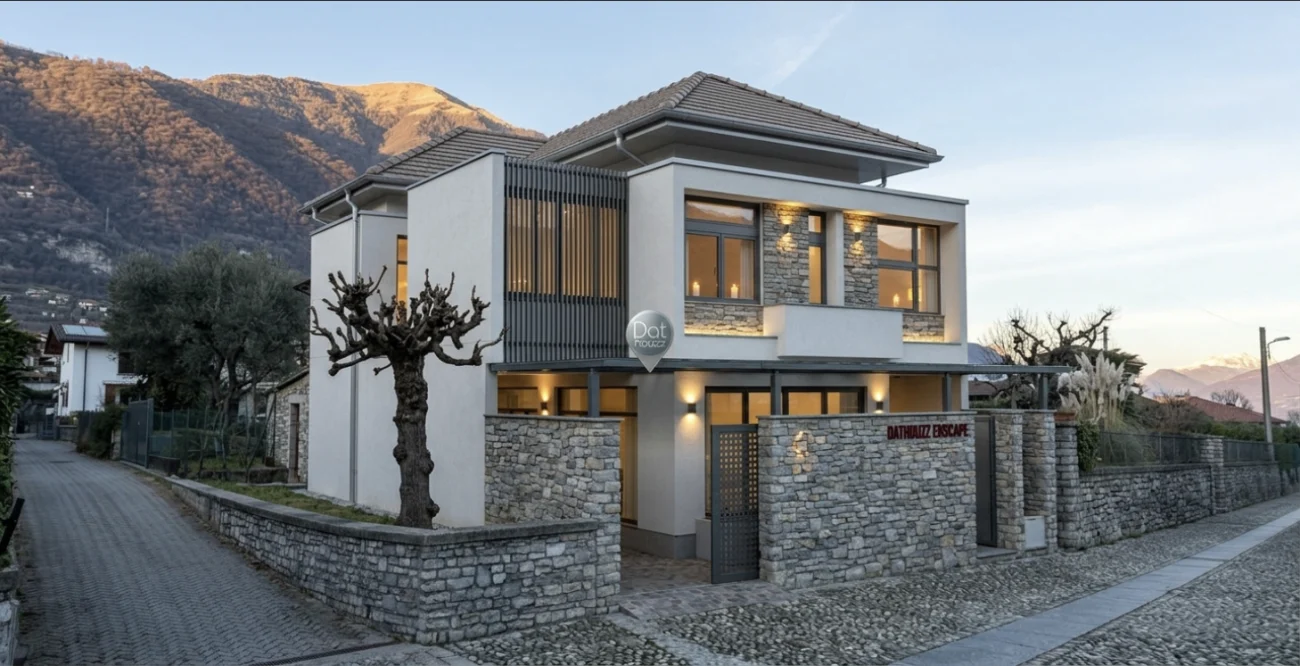
The working context
A workflow is a reusable creative starting point—not a universal style preset.
Bring the parts of a direction you want to repeat into the project, then adjust the result with the source, materials, lighting, and provider context in view.
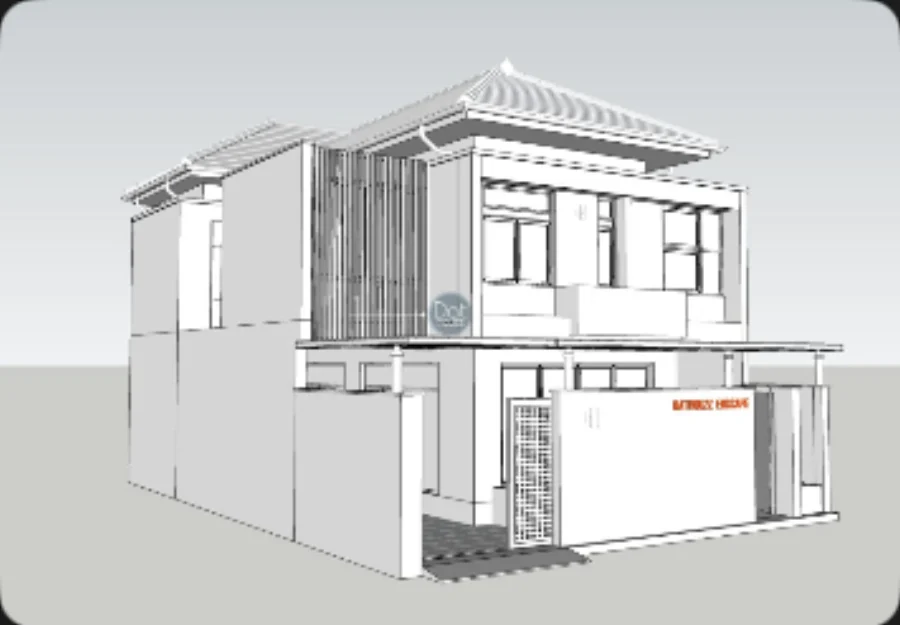
A deliberate loop
Make the next decision easier to review.
01
Save a successful direction
Keep a workflow when it captures a useful visual starting point.
02
Apply it deliberately
Use it with a source that suits the job instead of assuming all inputs will behave the same way.
03
Record the branch
Keep outputs and decisions in the project so future revisions have context.
What Velatura is designed to do
Workflows reduce repeated setup work and make the direction easier to revisit.
Important limitation
A reusable workflow does not guarantee consistent scene geometry, materials, or cross-view identity.
Native Mac app. Requires macOS 15.0+ on Apple silicon.