Sketch to render
Move from sketch to a presentation direction you can refine.
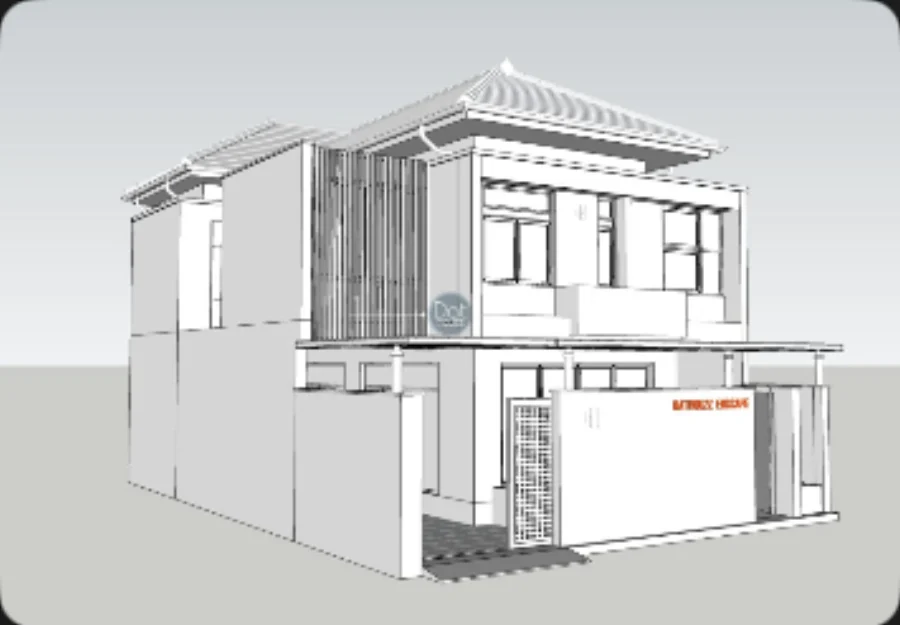
Bring an early sketch or exported line view into a local Velatura project, then evolve a visual direction through controlled iterations.

The working context
A source view is the start of the conversation.
Use the source as a concrete point of reference, then make material, lighting, and mood decisions in a project that retains the lineage.
A deliberate loop
Make the next decision easier to review.
01
Import the view
Begin with a clear exported view or sketch—not a blank text prompt.
02
Choose a direction
Use reusable workflow and guided controls to set the intended presentation mood.
03
Compare alternatives
Keep the source and resulting branches close enough to judge the direction, not just the novelty.
What Velatura is designed to do
Velatura is designed for the presentation stage after a design view exists.
Important limitation
An image handoff is not a CAD, BIM, SketchUp, Rhino, or Archicad plug-in. Confirm source quality and expected losses for each workflow.
Native Mac app. Requires macOS 15.0+ on Apple silicon.