A render workspace that feels at home on your Mac.
Keep source views, visual options, comparisons, and selected exports together in a focused native app.
Download for macOSView pricing7 days · 10 managed-render credits · No card required · Starts after email verification in the appRequires macOS 15.0+ on Apple silicon
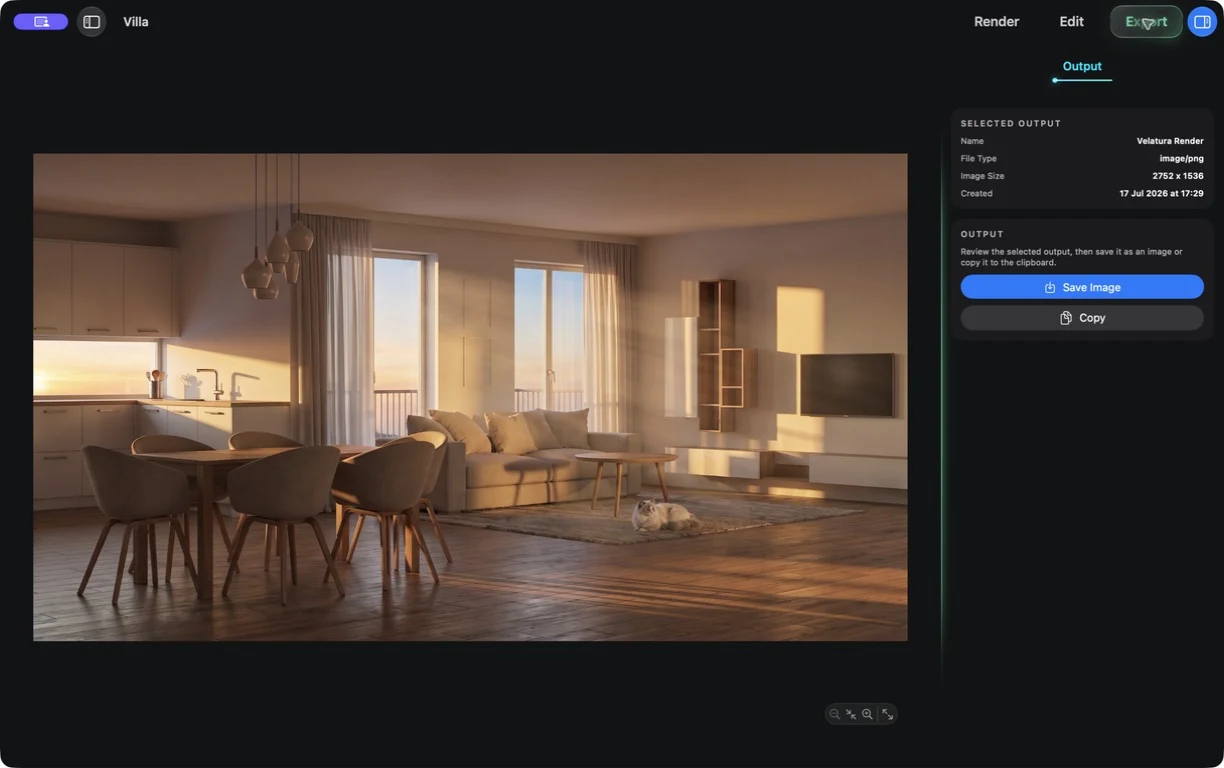
Your render rounds live as a project, not a trail of browser tabs.
Move from source to alternatives to selected output in one workspace built around the way a Mac project feels and behaves.
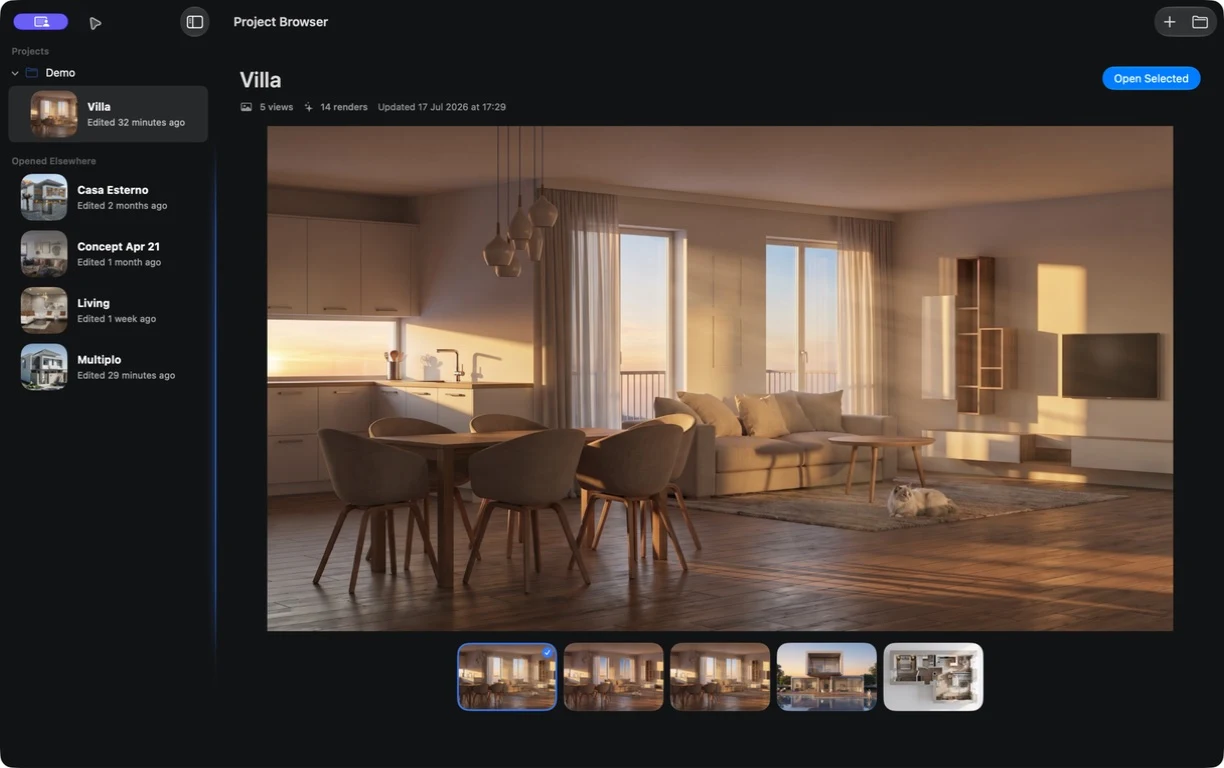
Keep the whole render round in one Mac workspace.
01
Open the project
Keep source views and presentation options together on the Mac you work from.
02
Connect rendering
On Starter, connect your OpenRouter account. On Plus, Pro, or Ultra, use Velatura-managed rendering.
03
Review and export
Compare the options that matter, select one, and save it from a focused export view.
Move from source to selected output without leaving the project context behind.
What to expect from generated results
Project files remain on your Mac, but rendering sends selected inputs to OpenRouter or Velatura-managed services. Review Data & privacy for details.