Interior rendering
Explore an interior direction without losing the project context.
Use materials, lighting, workflows, and branchable output history to build a more deliberate interior-render process.
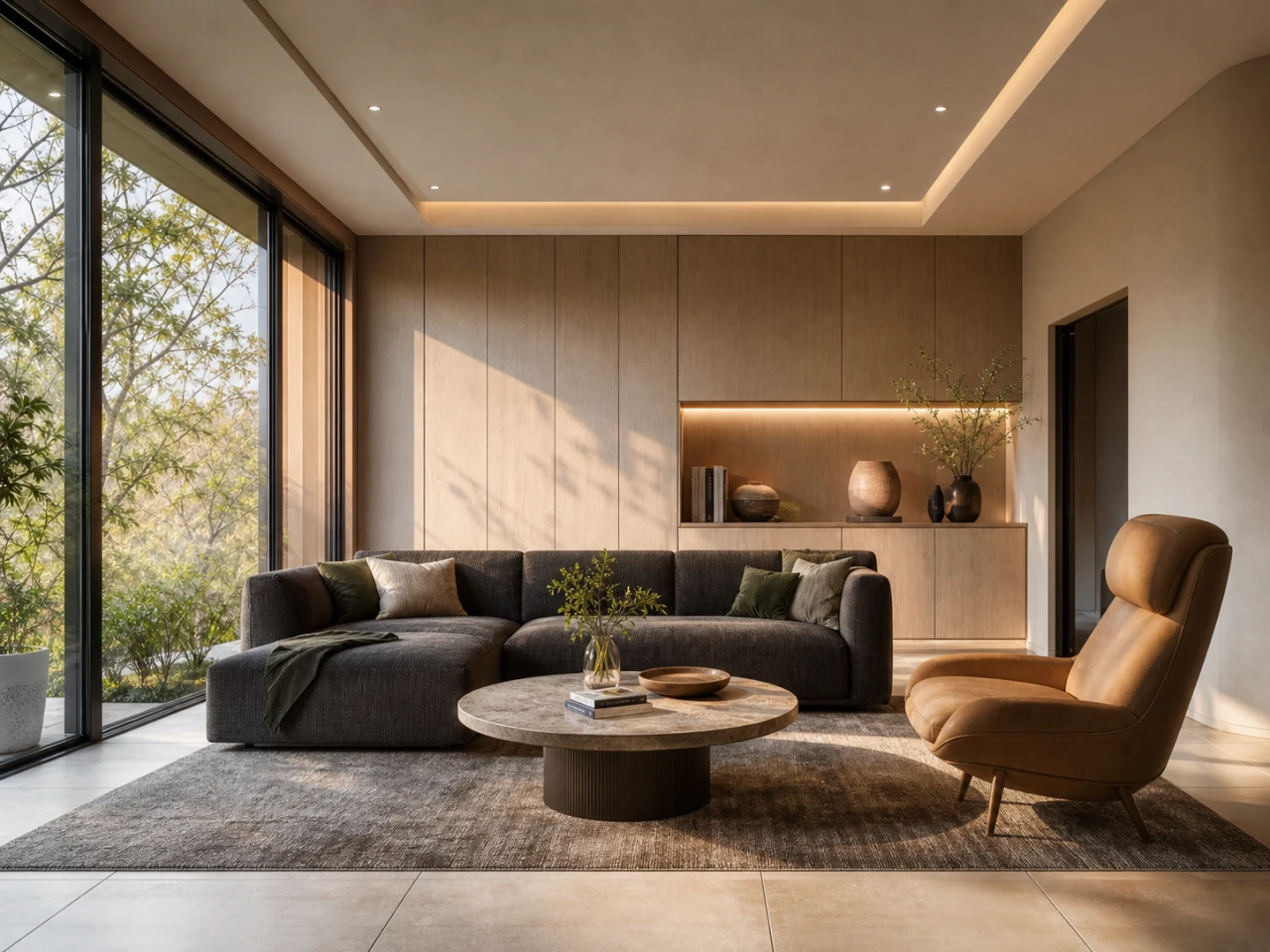
The working context
Materials and light are project decisions—not disposable prompt fragments.
Velatura keeps reference choices, source imagery, output history, and exported results together in a local project package.
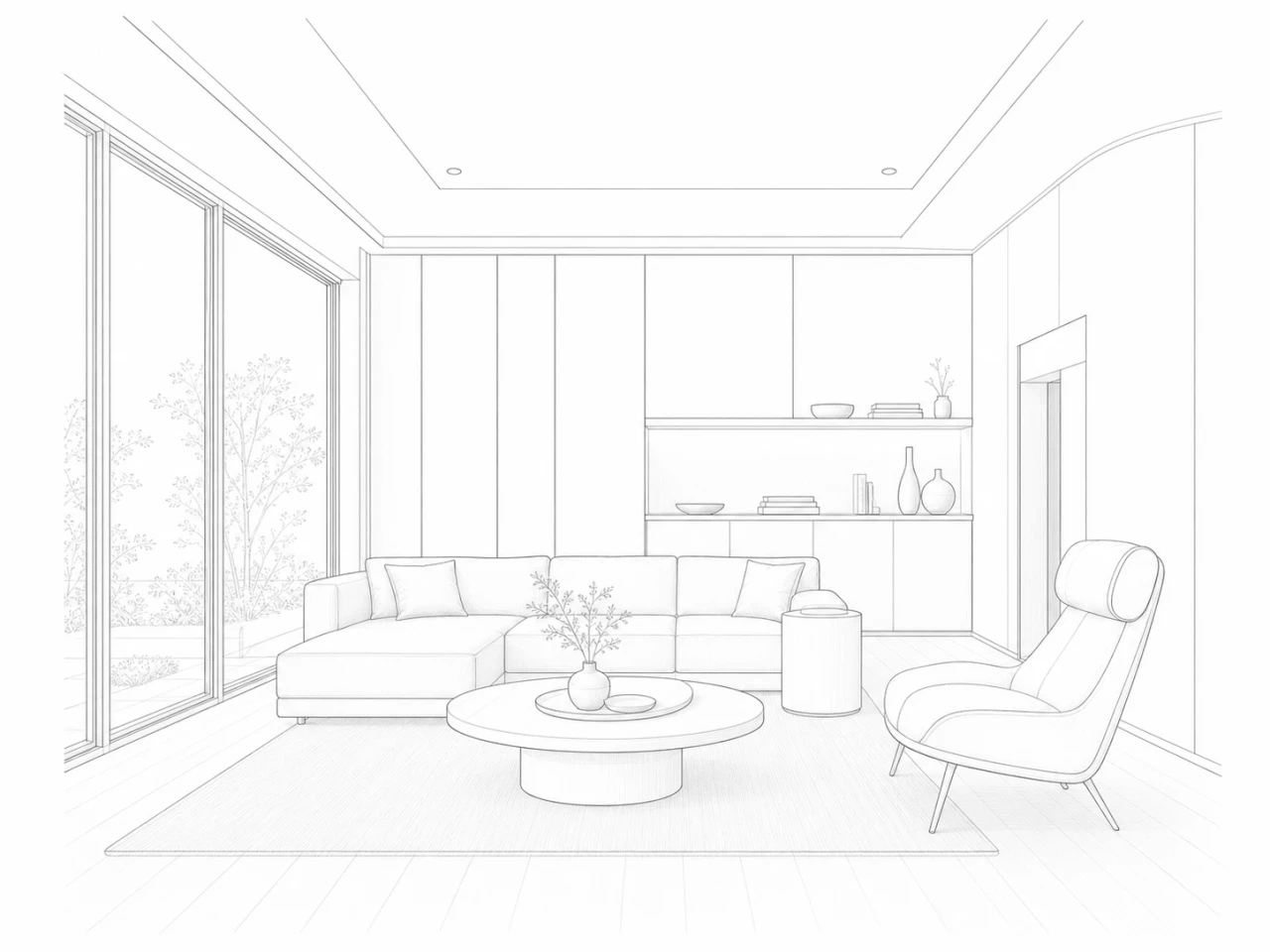
A deliberate loop
Make the next decision easier to review.
01
Set a material direction
Bring relevant reference choices into the project rather than rebuilding their description from memory.
02
Direct lighting
Use the lighting controls to choose a direction before asking for another result.
03
Keep alternatives legible
Branch from selected output to make the next review faster and more grounded.
What Velatura is designed to do
Reuse material and workflow direction across the work you want to revisit.
Important limitation
Do not treat a generated interior as a guarantee that every material, dimension, object, or product identity will remain exact.
Native Mac app. Requires macOS 15.0+ on Apple silicon.