Exterior rendering
Develop an exterior presentation direction with a visible revision trail.
Refine exported exterior views through controlled lighting, context, material, and workflow decisions rather than one-off rerolls.
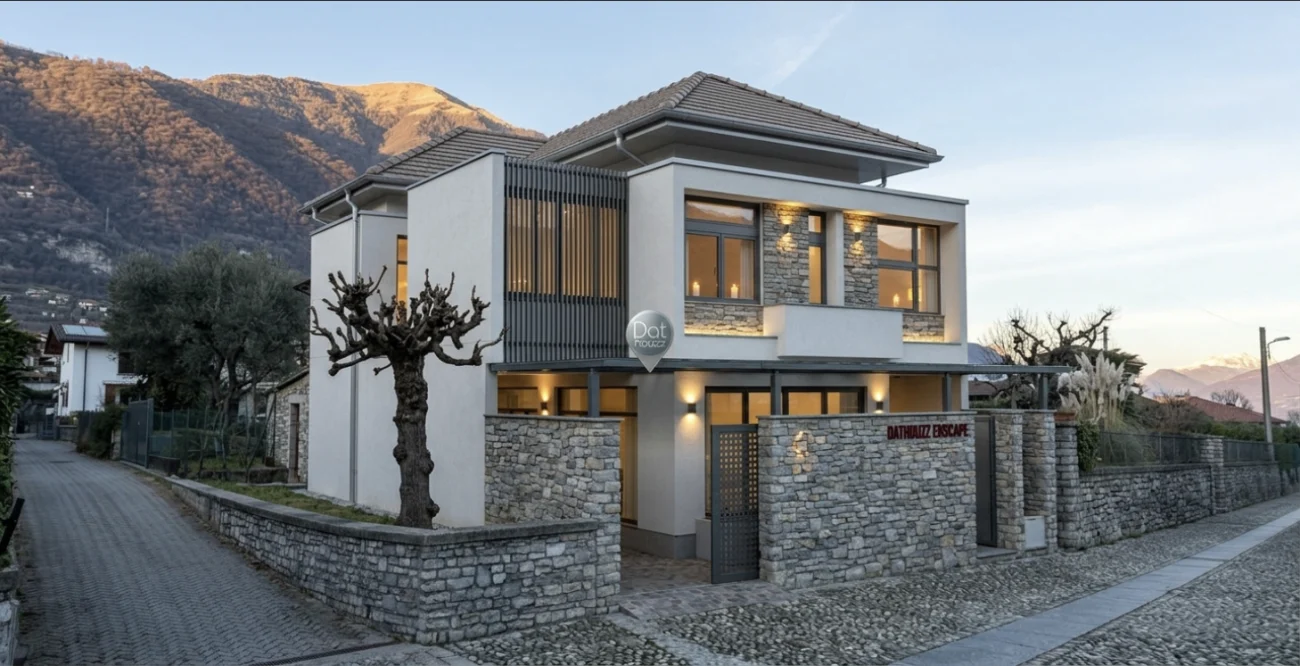
The working context
An exterior needs options you can explain—not just an attractive first result.
Start from an exported view, record the direction, then compare the branches that matter to a client presentation.
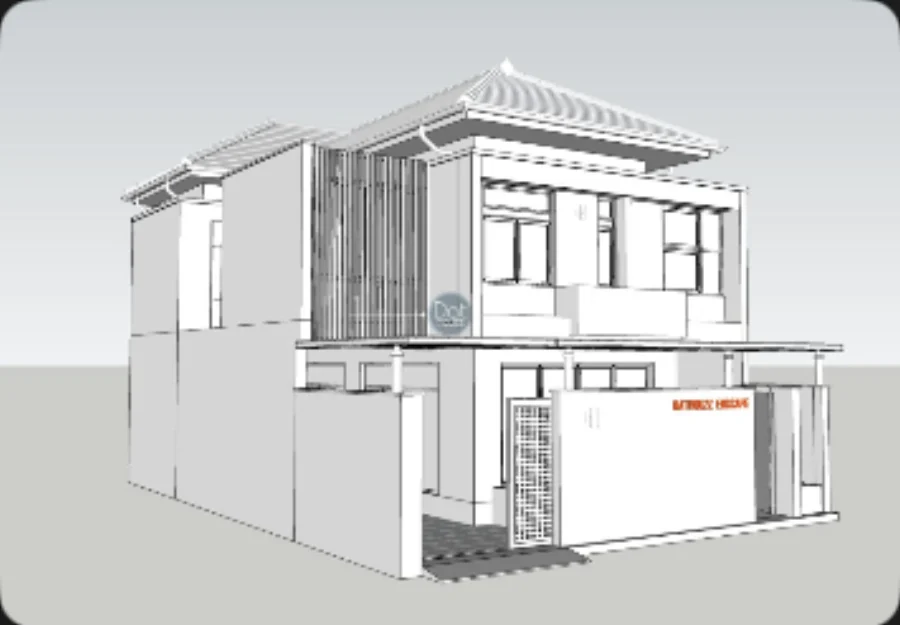
A deliberate loop
Make the next decision easier to review.
01
Bring the right source
Start from a view that makes framing and major design intent reviewable.
02
Set the atmosphere
Choose workflow, lighting, resolution, and output direction deliberately.
03
Export the result
Use the focused Export mode when a selected output is ready for presentation review.
What Velatura is designed to do
A project-centered workflow helps separate a directional choice from a random regeneration.
Important limitation
Context, vegetation, reflections, light, and generated details can vary. Review every output before client or construction use.
Native Mac app. Requires macOS 15.0+ on Apple silicon.